![Eaw logo-1.jpg]](https://design.eaw.com/hs-fs/hubfs/Eaw%20logo-1.jpg?height=40&name=Eaw%20logo-1.jpg)
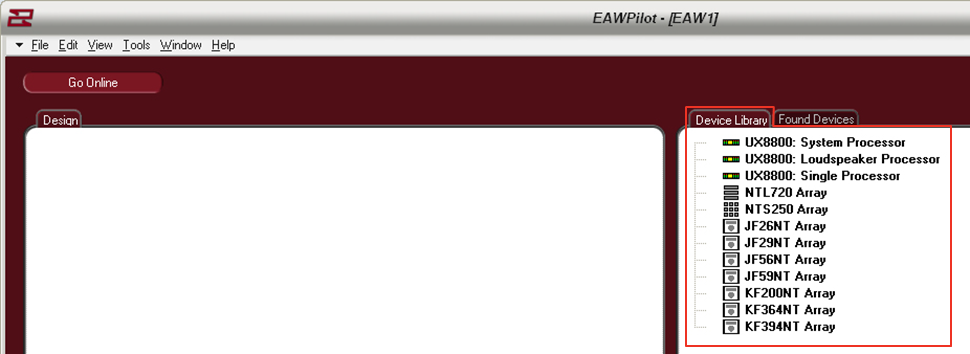
The “Device Library” page is a listing of all supported hardware within the Pilot software. These “virtual devices” can be used for building settings off-line and downloading to connected units later.
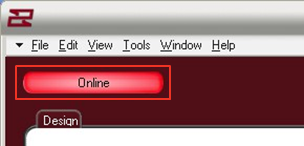
The button marked “online” brings EAWPilot online to any connected units. This will initiate the polling process as the software searches for connected devices.
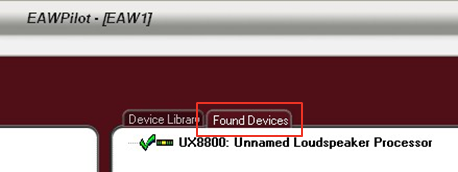
When the polling process is complete, connected units will be listed under “Found Devices”.
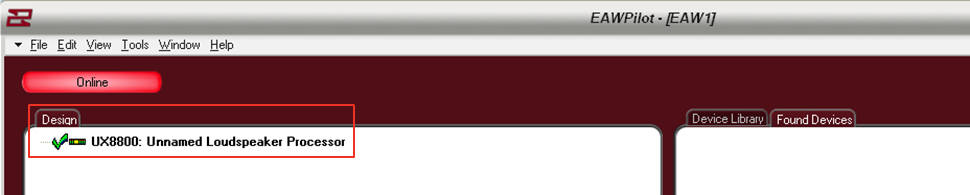
To begin the design process, a found device must be dragged over to the “Design” column of the page. This is accomplished with a left-click and drag from your mouse.
The exclamation point will turn into a “check” when the software has confirmed that communication to the UX8800 is ready.

By highlighting a unit in the design column and then selecting the “identify” button, you can visually match the hardware to the software as the output buttons on the physical UX8800 will scroll left and right. Other U-Net capable devices may show this in a different manner.
Linking UX8800’s

If so desired, an entire UX8800 may be linked to another. Using this option greatly speeds up the time it takes to program (e.g. House Left and House Right linked).
The linking process follows a hierarchy. Right click on the upper UX8800 to open the options menu
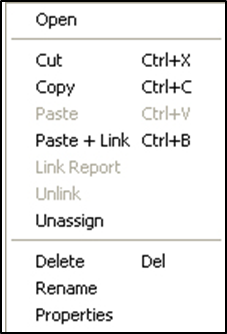
Open - Opens the Processor Page for the selected UX8800 Cut - Removes the selected UX8800 from the Design List Copy - Copies all parameters of the selected UX8800 Paste - Pastes all parameters to another selected UX8800
Paste + Link - pastes all parameters to another selected UX8800 and links the devices for all future parameters
Delete - Deletes selected UX8800 from the Design Column
Rename - Allows the UX8800 to be renamed
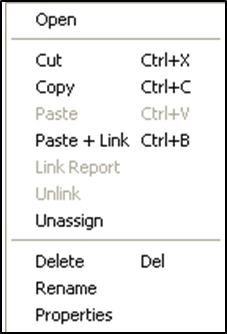
Link Report / Unlink - Only available when UX8800’s have already been linked
Link Report - Opens link report feature
Unlink - Unlinks the selected UX8800
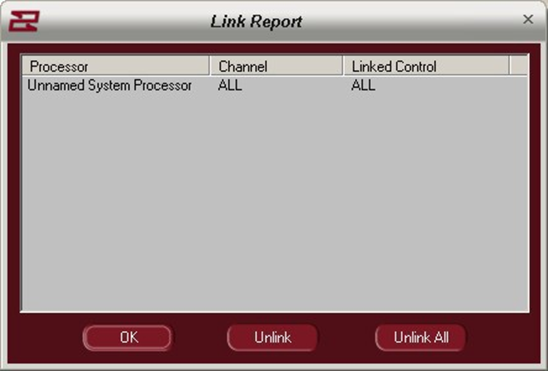
Processor - Name of linked processor
Channel - Channels linked (All)
Linked Control - Specific functions that have been linked
OK - Confirm and escape the link report
Unlink - Unlink a selected parameter or channel
Unlink All - Unlink all channels and parameters
Note: Other linking options are available within the EAWPilot map windows